Don't let your money disappear – act now!
Every state has unclaimed property laws. If your account becomes inactive, or you haven't contacted Computershare for an extended period of time (generally three to five years), your shares may be classified as unclaimed property and transferred to the state through a legal process called escheatment.
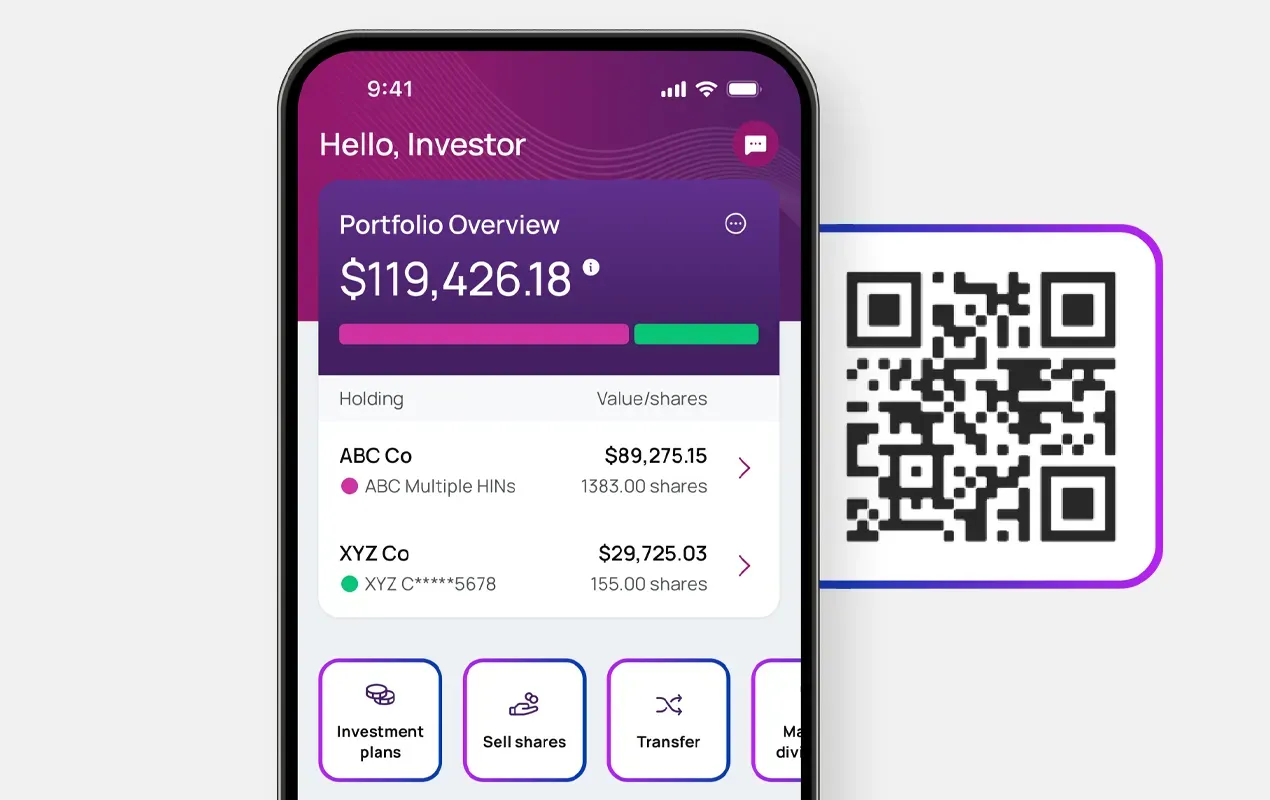
To maintain ownership of your shares, you must take action to show your account is active. You can do this by logging in or signing up for Investor Center below:
Have you received a notice from Computershare?
Additional options are available below based on the notice you received.

Notice of Unclaimed Property
Call our automated phone line 1-866-826-0494 and enter the Control Number found in the “Act Now” section of your notice.

Notice of Aged Last Contact
Call our automated phone line: 866-761-0296
When prompted, enter the Control Number found in the “Act Now” section of your notice.

Shareholder is deceased
Visit our Estate Hub to learn more about the options for handling matters related to the shareholder's estate.



Frequently Asked Questions
The easiest way to protect your shares from being classified as unclaimed is to ensure you maintain regular contact with Computershare. This can be done by:
 Logging into Investor Center
- Cashing a check no matter how small the amount
- Voting a proxy
- Updating address and contact information
- Buying or selling shares
- Calling Computershare
This will automatically update your “last contact date” with Computershare and reset the inactivity period on your account.
The Update Your Address and Replace a Check links are only available for accounts with a valid U.S. ZIP code. If you live outside the United States, please log in or sign up for Investor Center to manage your account.
Computershare will always attempt to contact a shareholder if their shares are at risk of being classified as unclaimed. For this reason, it is important to update Computershare if your address or contact information changes. This ensures Computershare can contact you about your account if needed.
We’re here to help! If you receive a letter from Computershare notifying you that your assets may be transferred to the state, it's important to follow the instructions in the letter within 45 days.
You must call Computershare as soon as possible at the phone number listed on the back of your unclaimed property notice. Please call within 45 days of the date of the notice or the shares/funds will be in jeopardy of being transferred to the custody of the state. Speak with a representative or use our automated telephone system (24 hours a day, 7 days a week) to request a deceased transfer package. Note that the account may contain uncashed checks which should be re-issued. Have the notice available to identify the account when you call. For more information on deceased shareholder accounts, click here.
Contact your state’s Unclaimed Property Division to place a claim. If your property includes shares of stock, it may have been liquidated by the state. Once property has been delivered to certain states, all interest, dividends, income, and gain remain with the state, even if the owner reclaims the property.
Visit the National Association of Unclaimed Property Administrators (NAUPA) website to learn more about your state’s unclaimed property program.
Please add banking instructions on your account in order to have your accrued payments issued.
Some states do not consider your receipt of a statement or the direct deposit of dividend funds as shareholder initiated “activity” or “contact”.
Some companies may charge a replacement fee in the amount of 10% of the value, up to a maximum of $20, which will be deducted from each replacement check. This fee will be waived if you have direct deposit instructions on file for your account to receive future payments electronically. To have this fee waived, log in or signup for Investor Center and go to My Profile > Banking Details to add your banking details prior to requesting your replacement check. All funds being replaced will be sent in the form of a check to the address of record.

Acting now keeps your account active and protects your property
Every year millions of dollars in financial assets are turned over to US states as unclaimed property through a process known as escheatment.
Watch this video to learn how to keep your shareholder accounts active.
More resources
Keep what’s yours: unclaimed property video series
Nine tips to protect your assets from being escheated


