Enrolling in Text Communications is now available exclusively via Investor Center and our mobile app

To ensure the security of your information, text communications enrollment is now provided only through Investor Center and our mobile app. Please use these platforms – available on the Apple App Store and Google Play – to manage your account safely and efficiently.

Get started with Investor Center

Already registered with Investor Center?

  1. Log in to Investor Center

  2. Select My Profile from the top-right corner of the page

  3. Select Text Communications from the menu on the left

  4. Enter your mobile phone number in the field provided

  5. Select Submit to enroll in text communications
Login to Investor Center

Not registered with Investor Center?

  1. Have your Holder Account Number ready

  2. Go to: computershare.com/Investor

  3. Follow the on-screen instruction

  4. Set up your login credentials

Register now

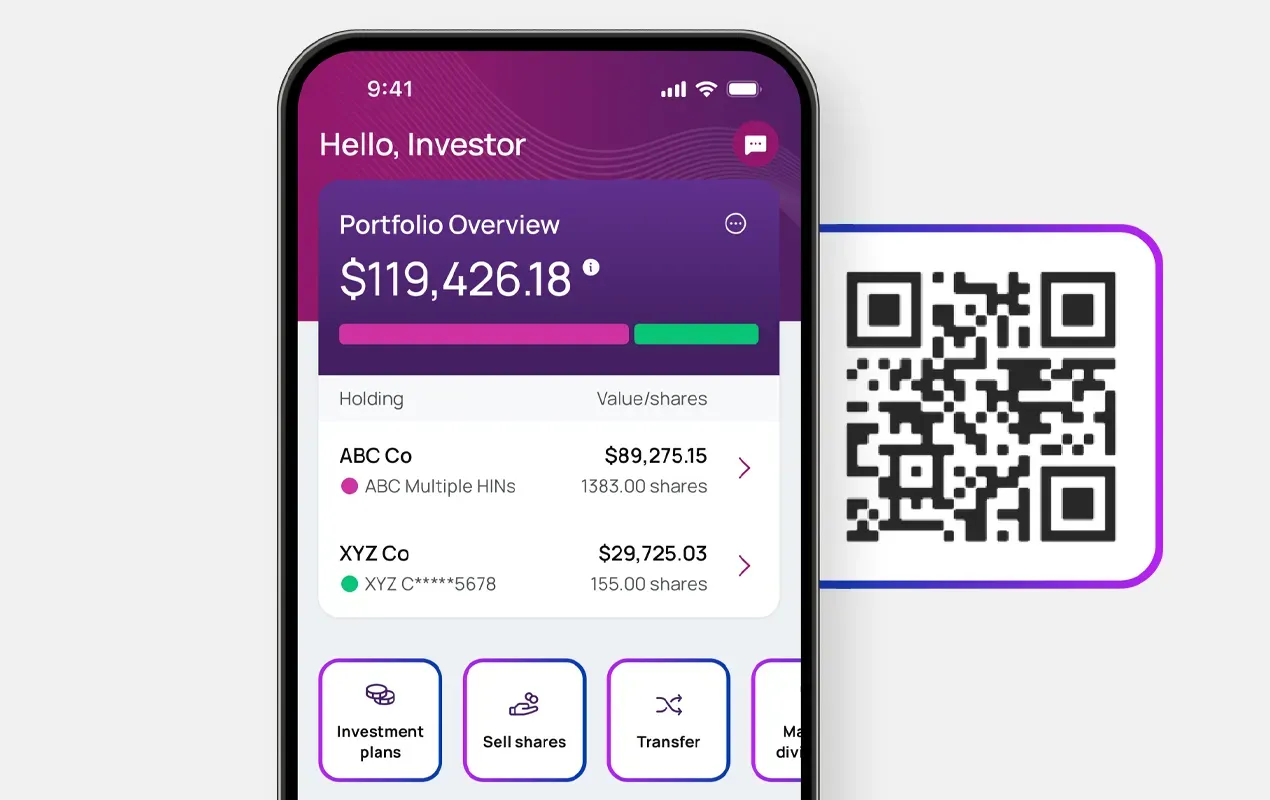
Download the Investor Center mobile app today

Update your banking details, view account statements, tax forms and more.

iOSAndroid

ic-mobile-with-qr
Decorative elementDecorative element

Why enroll in text communications?

  • clock-icon-gradient (CPU 2025)

    Timely notifications

    Enrolling in text communications helps ensure you receive important account notifications quickly, so you can stay informed of time‑sensitive updates as they happen.

  • sms-text-message-icon-gradient (CPU 2025)

    Convenient delivery

    Text messages provide an easy and accessible way to receive key account information wherever you are, without needing to log in or check email.

  • communication-preferences-icon-gradient (CPU 2025)

    Stay informed on the go

    With text communications, you won’t miss critical alerts about your account activity, helping you take action promptly when needed.

40px Desktop / 35px Tablet / 35px Mobile

Frequently asked questions

Registration steps are provided on the page above.

You’ll need your Holder Account Number and can register at: www.computershare.com/investor

Tip: You can also download the Computershare mobile app from the Apple App Store or Google Play for easy access.

Your Holder Account Number:

  • Check circle iconBegins with “C” followed by 10 digits.
  • Check circle iconAppears on your shareholder statement

Don’t have a statement available?

Check tax records or other documents you have received from Computershare.

If you are still unable to locate it, you can contact us to request a new shareholder statement to be mailed to the address on record.

After logging in to Investor Center:

  • Check circle iconSelect My Profile from the top-right corner of the page
  • Check circle iconSelect Address Change from the menu on the left
  • Check circle iconFollow the on-screen prompts
  • Check circle iconSubmit your changes

Keeping your address up to date help ensure:

  • Check circle iconTimely notifications – Enrolling in text communications helps ensure you receive important account notifications quickly, so you can stay informed of time‑sensitive updates as they happen.
  • Check circle iconConvenient delivery – Text messages provide an easy and accessible way to receive key account information wherever you are, without needing to log in or check email.
  • Check circle iconStay informed on the go – With text communications, you won’t miss critical alerts about your account activity, helping you take action promptly when needed.

Visit our Contact Us page for more support options including:

  • Check circle iconLive chat
  • Check circle iconCompany- specific phone numbers
  • Check circle iconAdditional FAQs about Investor Center