Already registered with Investor Center?
Log in to Investor Center
Select My Profile from the top-right corner of the page
Select Address Change from the menu on the left
Follow the on-screen prompts
Submit your changes
|
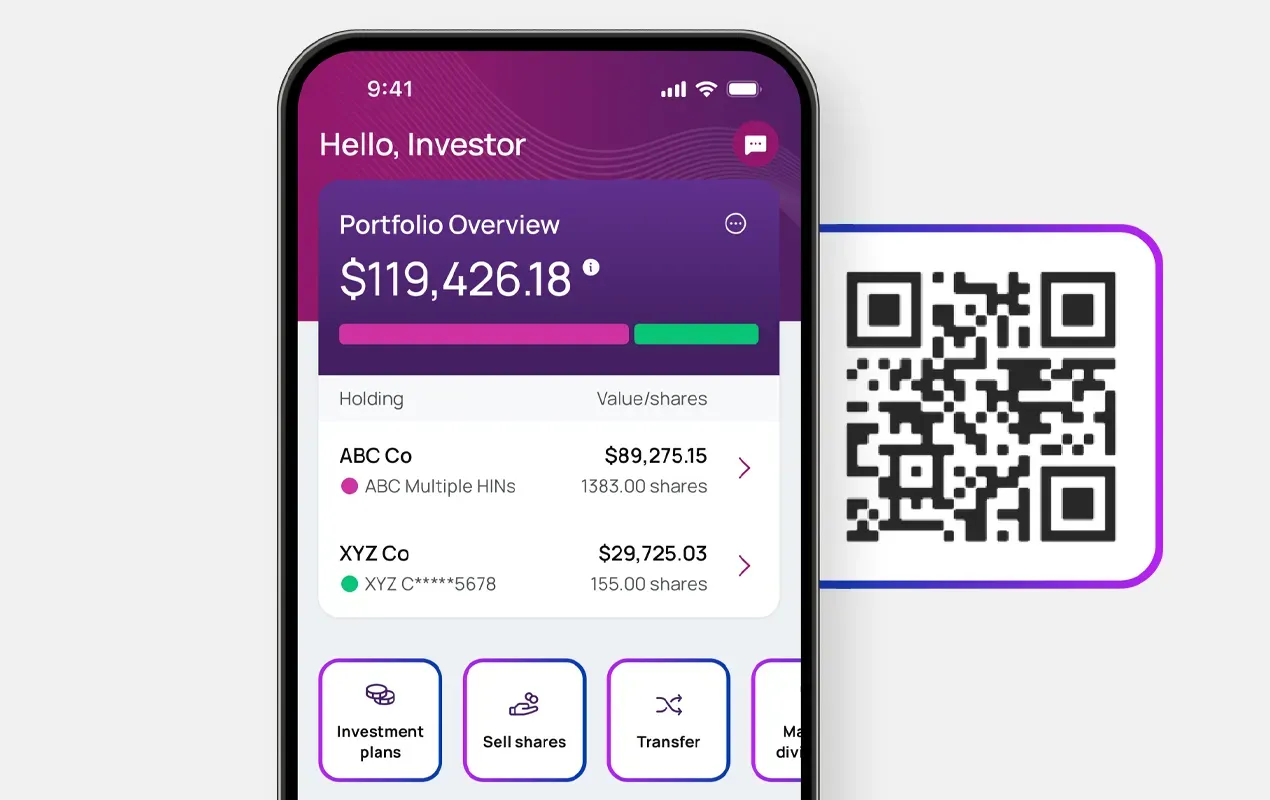
Address updates are now available exclusively via Investor Center and our mobile app To ensure the security of your information, address updates are now provided only through Investor Center and our mobile app. Please use these platforms – available on the Apple App Store and Google Play – to manage your account safely and efficiently. |
Log in to Investor Center
Select My Profile from the top-right corner of the page
Select Address Change from the menu on the left
Follow the on-screen prompts
Submit your changes
Have your Holder Account Number ready
Go to: computershare.com/Investor
Follow the on-screen instruction
Set up your login credentials

By keeping your address current, important documents such as checks, tax forms, statements, and account notices are delivered to the correct location without delay.

An accurate address helps protect your account by reducing the risk of sensitive information being sent to the wrong address or accessed by unauthorized parties.

Updating your address ensures you continue to receive critical updates and communications about your account, holdings, and payments without disruption.
Registration steps are provided on the page above.
You’ll need your Holder Account Number and can register at: www.computershare.com/investor
Tip: You can also download the Computershare mobile app from the Apple App Store or Google Play for easy access.
Your Holder Account Number:
 Begins with “C” followed by 10 digits.Appears on your shareholder statement
Don’t have a statement available?
Check tax records or other documents you have received from Computershare.
If you are still unable to locate it, you can contact us to request a new shareholder statement to be mailed to the address on record.
After logging in to Investor Center:
Select My Profile from the top-right corner of the pageSelect Address Change from the menu on the leftFollow the on-screen promptsSubmit your changesKeeping your address up to date help ensure:
Timely delivery – Important documents, checks, tax forms, and account notices are sent to the correct address without delay.Account security – An accurate address helps protect your account by ensuring sensitive information is not mailed to the wrong location.Uninterrupted communication – You receive critical updates about your holdings, payments, and account activity without disruption.Visit our Contact Us page for more support options including:
Live chatCompany- specific phone numbersAdditional FAQs about Investor Center