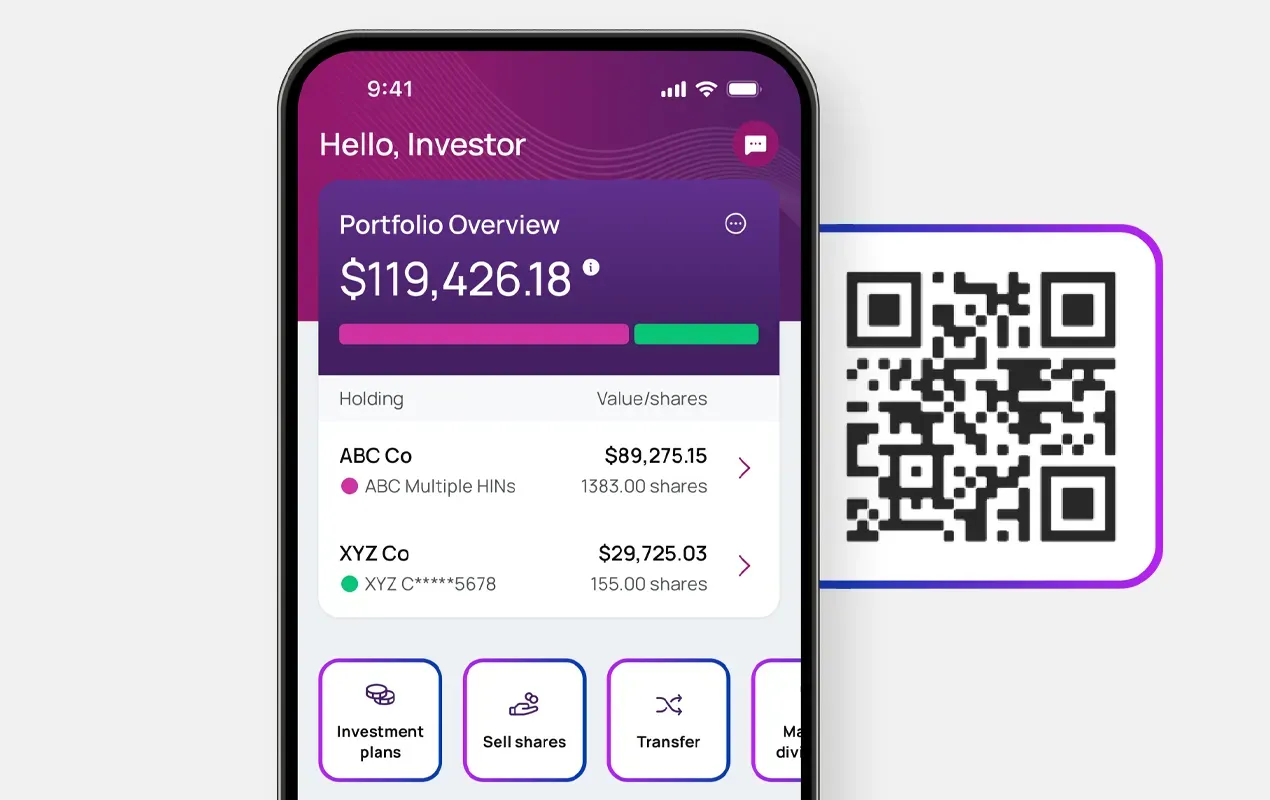



Access your tax information with Investor Centre
Manage your statements, important documents, and tax information quickly and easily - all in one place.

The following are the indicative dates for high-volume clients:
Note: Scentre Group Annual Tax Statements are available late March
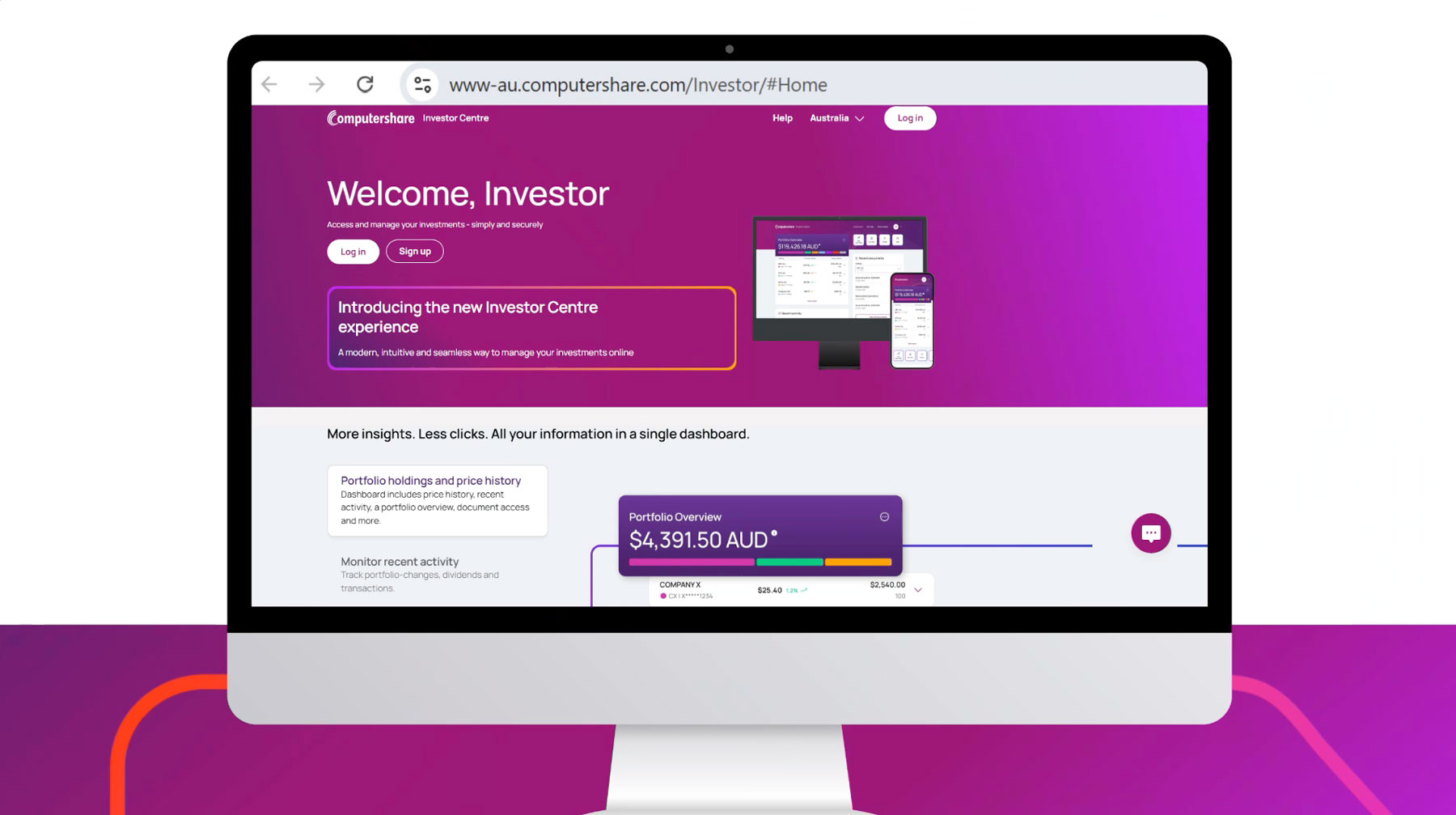

Visit Investor Centre to download your tax forms

Learn more about what happens when an investor passes away

Manage your statements, important documents, and tax information quickly and easily - all in one place.

Get the income tax information you need to complete your tax return quickly and easily, with access to up to three years’ worth of information.
An Annual Tax Statement is an annual report that summarises all income, tax offsets, and capital gains attributed to you document that provides investors detailed tax breakdown of the distribution received by their investors.
Listed entities are required to issue an Annual Tax Statement to their investors, such as:
An Annual Tax Statement essentially provides a comprehensive summary of all income attributed by a trust or ETF to their investors.
Annual Tax Statements are issued once they are released by the company or entities that you hold securities in. Typically, they are sent or made available to investors between July and September, except Scentre Group who issues its Annual Tax Statement in March.
You may not receive a tax statement due to various reasons, for example, the company or entity has not issued the statement yet, you did not receive distributions during the financial year, or if the company or entity does not issue an Annual Tax Statement.
You can view your tax statement by logging into your Investor Centre account. Tax statements are available under the Documents tab in Investor Centre.
If no tax statements are issued to you, you can still find the relevant information, for your tax lodgement, from your Dividend statements. Dividends and Payment history can be found under Activity → Dividends & Payments, with options to filter by financial year or date range.
Distributions are reported based on the financial year of when they are earned, while dividends are reported based on the financial year they are paid.
Example:
For issues that pay distribution payments, such as iShares or Vanguard: the distribution for the year ended 30 June 2026 and paid in July 2026 is reported in your tax statement for the 2025/2026 financial year.
For issuers that pay dividend payments: the dividend paid in October 2026 is reported in your tax statement for the 2026/2027 financial year.
No. Computershare is unable to assist with completing your tax return. We are also unable to provide tax advice or assistance with interpreting your tax statement or calculating your cost base.
For help with these matters, please contact a qualified or professional tax advisor who can provide guidance based on your individual circumstances
For more information about the content of your Annual Tax Statement, please go to the relevant issuer or company website.
Computershare’s Portfolio Tax Pack is a convenient, paid service that compiles all income tax details, payment summaries, and holding balance for your Computershare-managed investments into one document. Designed for investors, it simplifies tax reporting by providing necessary information for tax returns, usually available as a downloadable PDF and CSV file.
For further information visit Portfolio Tax Pack.
For each reporting year, Computershare’s Portfolio Tax Pack is available from early July until late September depending on ATO reporting for certain companies or issuers.
For further information visit Portfolio Tax Pack.
No, Computershare’s Portfolio Tax Pack does not contain sufficient tax information for your investments in ETFs, A-REIT or LITs.
You should download the Annual Tax Statement separately for each applicable investment from your Investor Centre account. Click here to log into Investor Centre.
Alternatively, you can also download your Annual Tax Statement via Computershare Single Holding Access.
Withholding tax may be deducted from your dividend or distribution payments when no TFN, ABN, or tax exemption is recorded on your investment as at the record date. Withholding tax deduction applies to distribution or dividend payments that are not fully franked.
To ensure no withholding tax being deducted from your investments, you can update your tax details via Computershare Investor Centre.
To claim any withholding tax, please contact the Australian Taxation Office (ATO) at www.ato.gov.au or 13 28 65.
Some information may be missing from the ATO prefill data because, for example, your dividend or distribution information has not been supplied to the ATO, your details with the share registry do not match the ATO records, or your data fails the validation checks.
If your ATO prefill data is incomplete, please enter this information manually, which can be found from your dividend statements.
The Foreign Accounting Tax Compliance Act (FATCA) is a law established by the U.S. aimed at combating offshore tax evasion by requiring foreign financial institutions to report information about financial accounts held by U.S. taxpayers.
Similarly, the Common Reporting Standard (CRS) is an international standard for the automatic exchange of financial account information between countries, designed to combat tax evasion globally.
As a result of the Australian Government agreement to participate in the exchange of information with other jurisdictions under FATCA and CRS, some companies or issuers are required to undertake due diligence to determine their investors’ jurisdiction of tax residence.
The objective of the tax residency self-certification is to verify your residency status for tax purposes. This is required to enable entities to comply with international law designed to prevent global tax evasion.
For more information, please visit the ATO website: Foreign Account Tax Compliance Act reporting | Australian Taxation Office
Some ETFs that are not Australian-domiciled managed funds do not issue Australian Annual Tax Statement. For example, Vanguard Total Stock Market (VTS) or Vanguard All-World ex-US (VEU). As VTS and VEU are U.S.-domiciled ETFs, they instead issue US tax statements.
U.S. tax statements are generally issued in March to eligible shareholders, and only to shareholders who have a valid W-8BEN records on their account.
Please visit our US Tax page for more information.
A W-8BEN form is a form issued by U.S. Internal Revenue Service (IRS). It is usually completed by non-U.S. individuals to certify their foreign (non-U.S.) status and to claim reduced U.S. withholding tax. For individuals who have investments in U.S.-domiciled ETFs, this form is also required to be completed in order for investors to receive a U.S. tax statement.
To obtain a W-8BEN form, please go to Company Information | Investor Centre and enter the name of the company in which you hold securities. You will then see a list of forms available to download.
You can send the completed W-8BEN form to:
Computershare Investor Services Pty Limited
GPO Box 2106
Melbourne VIC 3001
Australia
Or email to: USTaxForms@computershare.com.au
Computershare cannot provide tax advice. Contact the IRS at www.irs.gov for further assistance.
A U.S. tax form, for example, a W-8BEN form (commonly completed by non-U.S. residents), is generally valid until the last day of the 3rd calendar year after signing.
For example, a W-8BEN form signed on 10 April 2023 will expire on 31 December 2026. If you provide a valid and updated form before the current one expires, your certification will be updated with the new expiry date.
If U.S. withholding tax has been deducted from your distribution or dividend payments, please contact the IRS at www.irs.gov for further assistance on how to claim the withholding tax.


